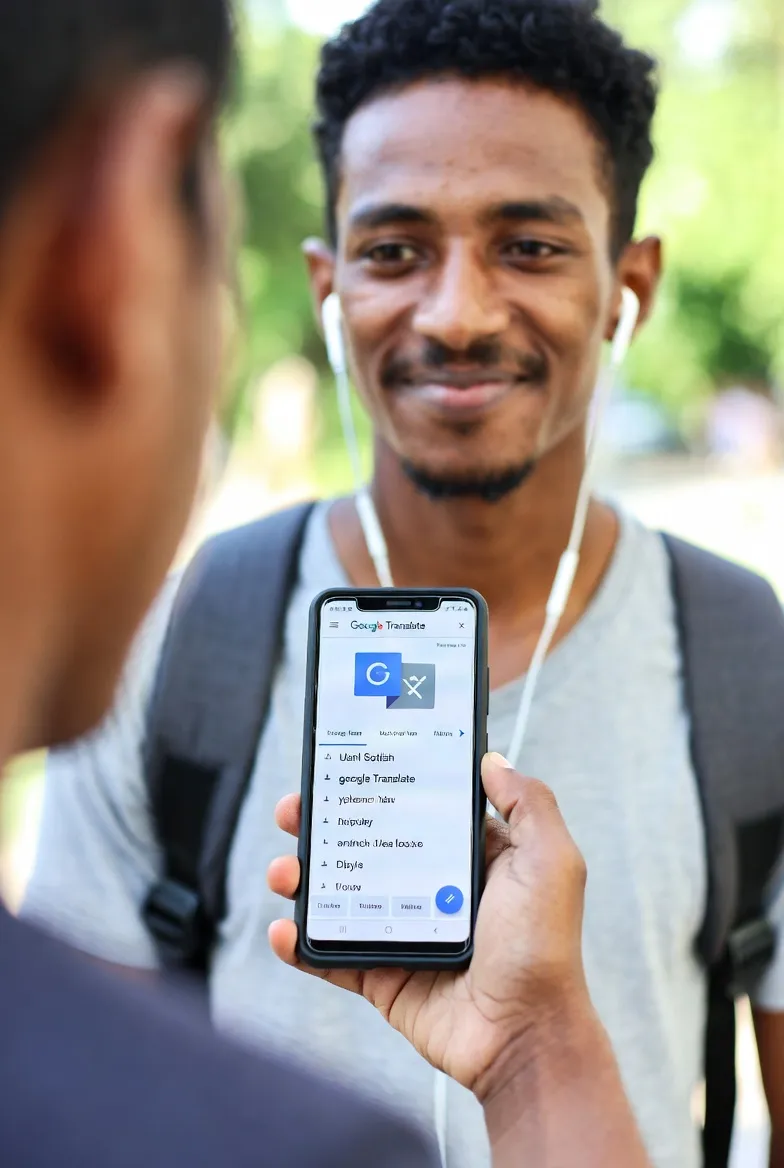
"Is it finally time to stop studying English?" Google has done it again. It's not the rigid, slow translator of the past. A 'crazy' technology that converts sound directly to sound without passing through text, powered by Gemini AI, has arrived. I've personally tested, tasted, and enjoyed the Google real-time translation feature that is heating up the end of 2025.
No More 'Text': The Core Technology (Speech-to-Speech)
Do you know why existing real-time translators were slow? Simply put, they had to go through '3 stages'.
- ASR (Audio-to-Text): Listens to your voice and transcribes it into text.
- MT (Machine Translation): Translates the transcribed text into another language's text.
- TTS (Text-to-Speech): Reads the translated text back in an AI voice.
This process inevitably caused Latency. You had to wait until the sentence was finished, and intonation or emotion was lost during the text conversion. But this update from Google is different. They applied the Audio Native Multimodal Model.
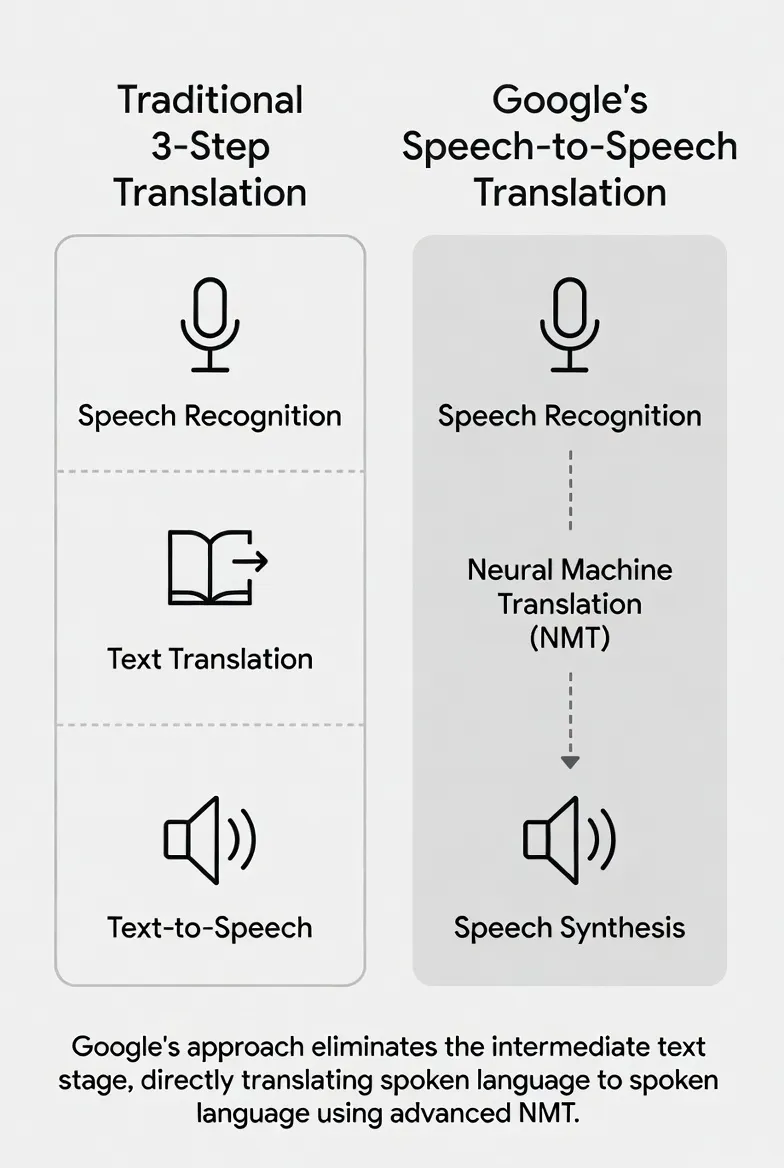
🚀 Core Tech Summary: Speech-to-Speech (S2S)
Google's new model listens to the sound, grasps its 'meaning', and outputs it directly as sound in another language. Since the intermediate process of converting to text is skipped, it shows near real-time speed. Also, 'Style Transfer' technology is applied to preserve and convey the speaker's intonation, speed, and even emotion.
"You no longer have to wait for the sentence to end. Translation enters your ears instantly, like a simultaneous interpreter, even while the other person is speaking." – Unreal Tech (IT Tech YouTuber)
Real-world Test: From Hearings to Casual Interviews
Seeing is believing! I've summarized the results of testing how powerful this feature is in various situations. The test was conducted wearing earphones after updating the Google Translate app.
1. High-Focus Political Hearings & News
I listened to a US hearing video and President Trump's speech with real-time translation. Surprisingly, there was only a very short latency of around 1-2 seconds, and it followed the flow of the content without missing a beat. It smoothly translated difficult legal terms and long-winded sentences into Korean by grasping the context. Previously, translations would break or make no sense when sentences got long, but Gemini's contextual understanding ability shone through.
2. President Xi Jinping's Chinese Speech
I tested Chinese as well as English. Due to the complex tones of Chinese, existing translators often made errors, but this update was surprisingly accurate. It perfectly caught titles and formal expressions like "Director-General of the WHO." Business trips to China don't seem scary anymore.
3. The Most Impressive 'Casual Interview'
The most shocking part was the 'back-and-forth' of the conversation. As soon as I said in Korean, "Hello, I'm John living in Korea. I want to work at Walmart," the other person's English response plugged into my ears in Korean.
Above all, when the other person said "Absolutely! Let's get started" energetically, I could feel that energetic tone in the translated Korean voice. It was chilling that it conveyed not just information, but the atmosphere of the conversation.
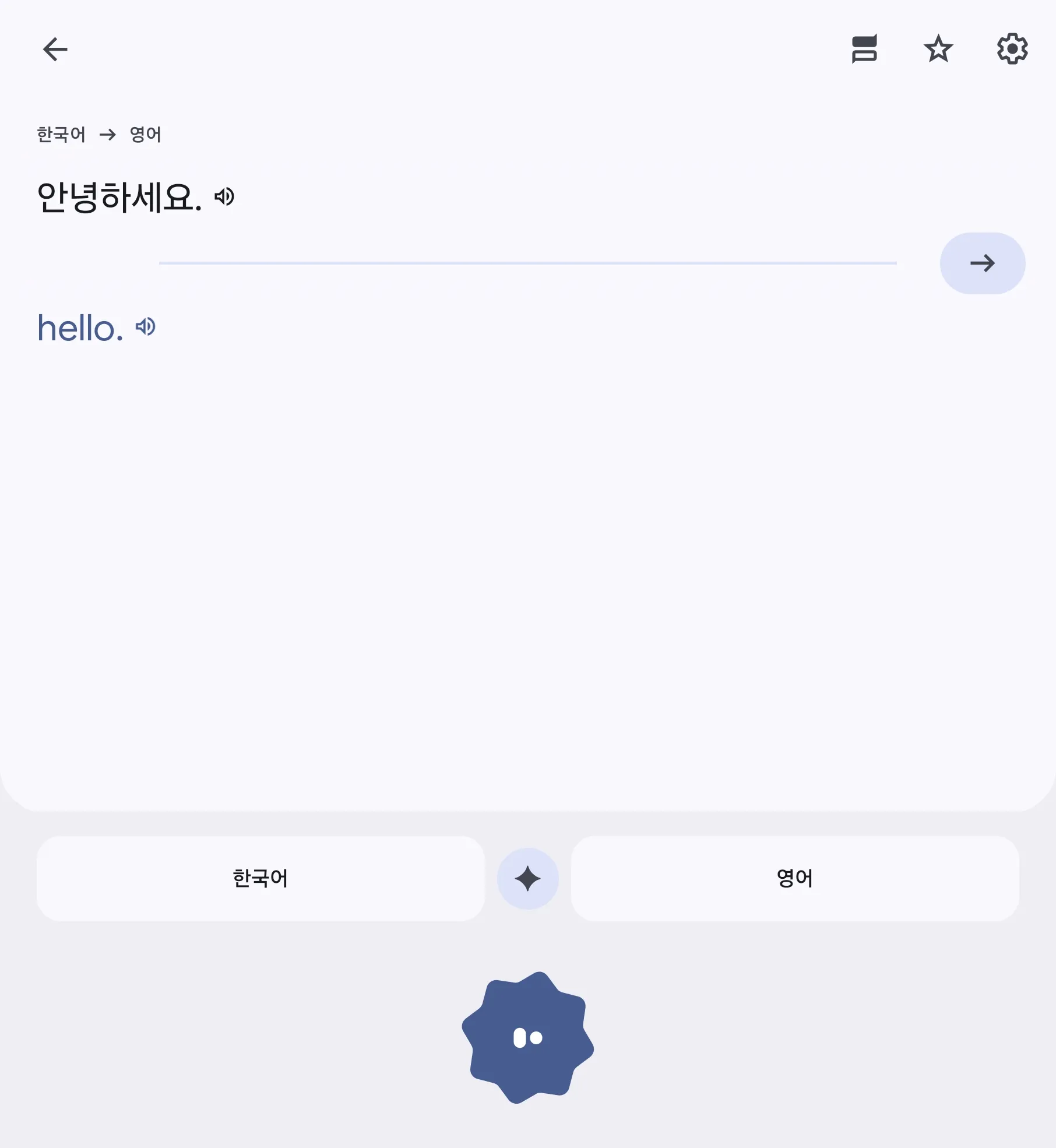
Current Availability (As of Dec 2025)
This 'complete real-time translation (earbud mode)' feature is currently being rolled out first on Android in select regions like the US, India, and Canada. But don't worry! Even in other regions, you can have a very similar experience through 'Conversation' mode. It is expected to expand to iOS and more countries in 2026.
Android Users Must-Read: Utilizing 'Conversation' Mode
Even if the full hands-free mode hasn't officially launched in your country yet, utilizing the 'Conversation' tab in the Google Translate app can open up a whole new world. Usage is simple.
# How to use Google Translate 'Conversation' Mode

1. Open Google Translate App
2. Click the [Conversation] icon at the bottom left
3. Click the Microphone icon (Auto Detect) at the bottom center
4. Place the smartphone in the middle and start talking naturally!
Especially, if you press the 'Face-to-Face' icon (split screen) at the top right, the screen flips so the person sitting across from you can comfortably read the translated text in their language. When ordering at a foreign restaurant or talking to a taxi driver, turning this on allows for natural eye contact without having to pass the phone back and forth.
No Internet? No Problem: Offline Translation Evolution
The biggest enemy of overseas travel is 'data roaming'. Translators used to become useless on planes or in remote areas where signals drop. But with this update, offline translation performance has also improved dramatically.
- Pre-download is Essential: Download the language pack of the country you are visiting in the Google Translate app settings beforehand. (File sizes have reduced too!)
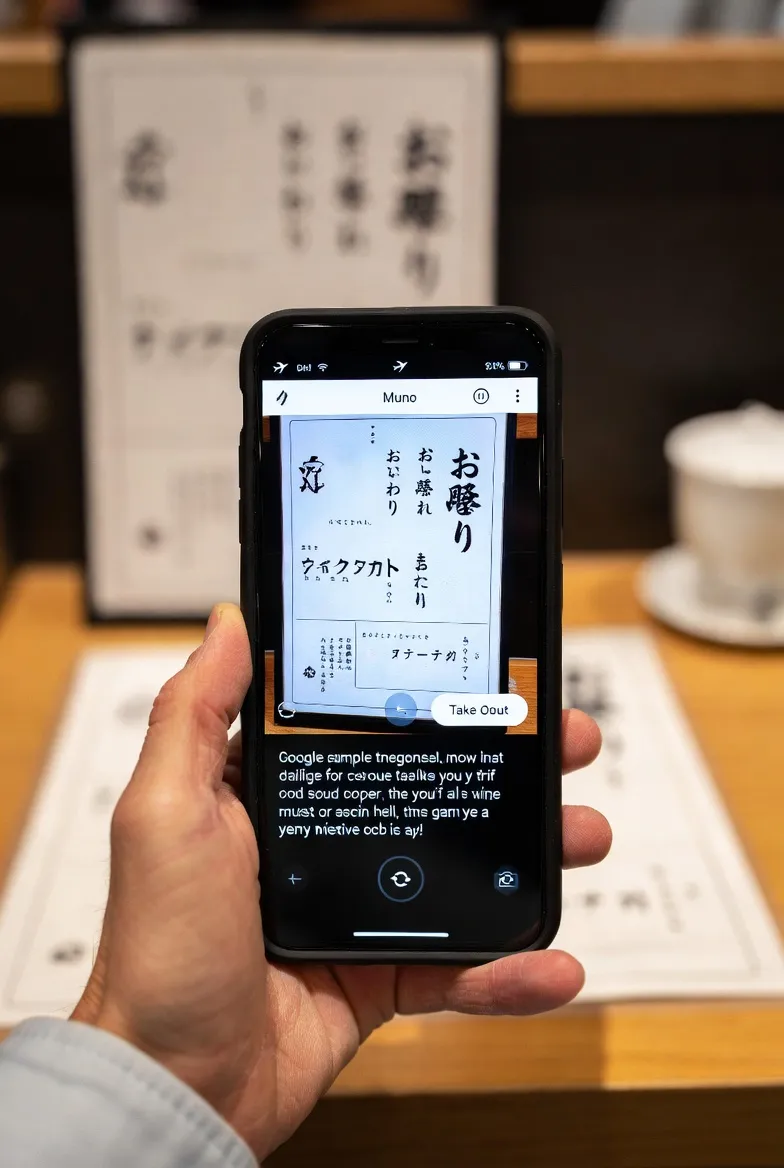
- Integration with Google Lens: Even in Airplane Mode with data off, pointing the camera at a menu or sign translates it instantly into your language.
- Tip: If text isn't recognized well, zoom in and press the capture button. AI extracts text much more accurately from a still image.
Community Reactions: "Throw Away Your Guidebooks"
As soon as this feature was released, communities worldwide heated up. Here are reactions from Reddit and tech communities.
| Reaction Type | Key Comments |
|---|---|
| 🔥 Positive |
"Wow, the 'Babel Fish' has finally become reality. Just wear earbuds and talk.", "Used it on a trip to Japan, even had small talk with a convenience store clerk. It's crazy.", "One Google Translate update is better than 10 years of studying English lol" |
| 🤔 Skeptical |
"It still misses subtle nuances or dialects though.", "Interpreters won't disappear completely. Humans are needed for liability in business negotiations.", "Watch out for battery drain. The phone gets hot running the AI model." |
| 💡 Funny |
"If I fight with my girlfriend wearing this, will the translation calm us down?", "The era of watching Netflix without subtitles via real-time translation is coming." |
Conclusion: A World Without Language Barriers
In 2025, Google is breaking down the 'language barrier' with technology. Of course, it's not perfect yet. Dialects, very fast slang, or specialized medical/legal terms may still require human intervention. However, performance is more than enough for daily travel, basic business meetings, and making foreign friends.
Now we can step away a bit from the pressure of studying foreign languages and focus more on the essence of communication: 'content' and 'emotion'. If you are planning an overseas trip this winter, update your Google Translate app and pack your earbuds instead of expensive phrasebooks. The world will look a little wider.
P.S. The only downside for me as an iPhone user is that the full features are currently beta testing on Android only. Hurry up, 2026! 🍎