"It takes 3 days to train this model? I heard TPU can do it
in half a day?"
If you're an AI developer, you've probably heard this before. In the era of
Large Language Models (LLMs) like ChatGPT, 'hardware power' is becoming just as important as
coding skills. But you can't just buy expensive equipment blindly. Google's TPU has thrown down
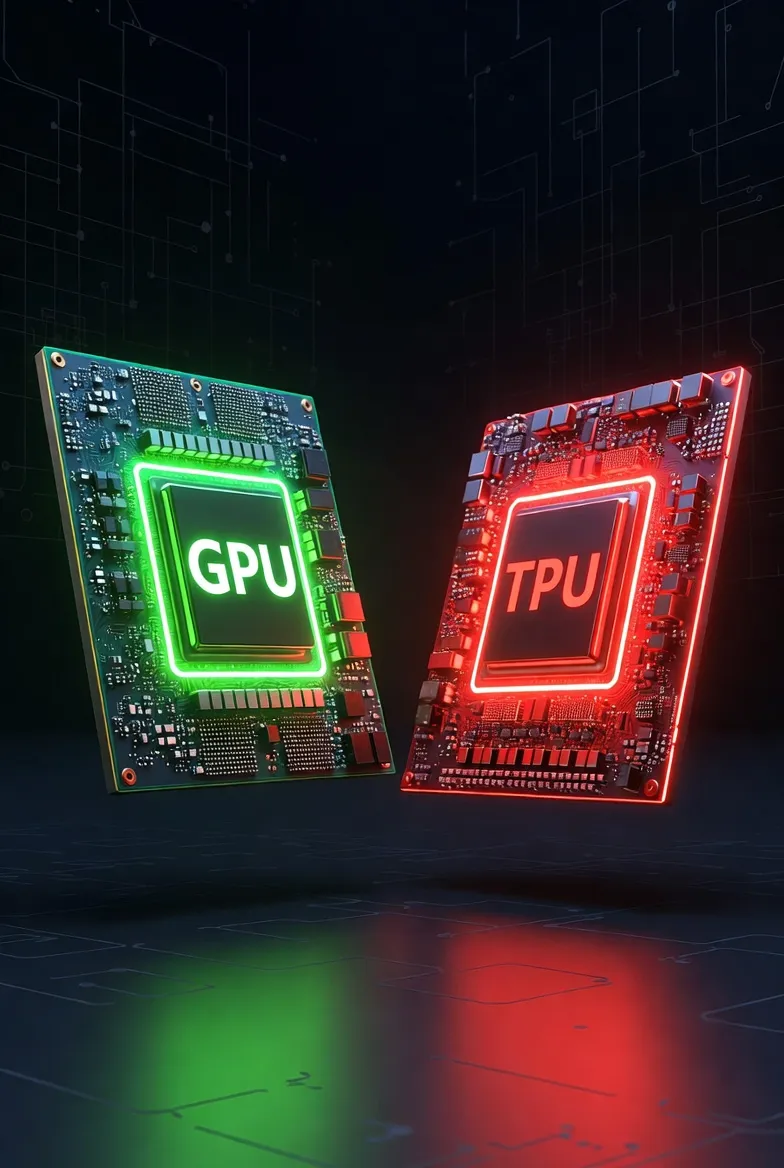
the gauntlet to Nvidia's GPU empire. Who is the winner? We'll help you find the perfect partner
to lead your project to success.
1. The All-Rounder: GPU (Graphics Processing Unit)
As the name suggests, GPUs were born to handle 'graphics'. To render the flashy graphics of 3D games, millions of pixels on the screen must be calculated simultaneously. It turned out that this 'Parallel Processing' capability was a perfect match for AI computations (matrix multiplication), making the GPU the protagonist of the AI era.
Key Features of GPU
- Versatility: It can do everything from AI to graphics rendering, video editing, crypto mining, and scientific simulations.
- Thousands of Cores: If CPUs are a few smart PhDs, GPUs are an army of thousands of simple workers. They handle simple repetitive tasks at incredible speeds.
- Powerful Ecosystem (CUDA): Nvidia's CUDA platform is practically the standard language of AI development. Almost all frameworks like PyTorch and TensorFlow support GPUs by default.
"The GPU is the Swiss Army Knife of AI. It can do anything, and you can get it anywhere." – AI Hardware Expert
2. The AI Specialist: TPU (Tensor Processing Unit)
Google created the TPU, an Application Specific Integrated Circuit (ASIC), saying, "The AI models we use are too big for existing GPUs to handle!" As the name implies, it is a unit designed to process 'Tensors'. Tensors are the basic unit of deep learning data. In other words, the TPU is a machine born solely for deep learning, specifically matrix operations.
Key Features of TPU
- Domain Specific: Graphics? Doesn't know them. Games? Can't run them. It only digs into Matrix Multiplication. But it does that one thing insanely well.
- Systolic Array: Data flows through the chip like a heartbeat, performing calculations. It minimizes memory access to maximize power efficiency and speed.
- Google Ecosystem Optimization: It performs best in TensorFlow and JAX frameworks. The fact that it can only be used through Google Cloud (GCP) is a double-edged sword.
3. Deep Dive: Architecture to Ecosystem
Seeing is believing. Here is a table summarizing the differences between the two processors. 📊
| Feature | GPU (Nvidia) | TPU (Google) |
|---|---|---|
| Design Purpose | General Purpose (Graphics + Compute) | Special Purpose (Deep Learning ASIC) |
| Architecture | SIMT (Single Instruction, Multiple Threads) | Systolic Array (Matrix Op Optimization) |
| Flexibility | Very High (Almost any computation) | Low (Matrix operations focused) |
| Memory | HBM (High Bandwidth Memory) | HBM + Ultra-fast Interconnects |
| Precision | FP64, FP32, FP16, INT8, etc. | bfloat16 (Brain Floating Point) Optimized |
| Accessibility | Available to everyone, all clouds | Google Cloud Platform (GCP) Exclusive |
💡 Key Point: What is bfloat16?
TPUs love a unique data format called 'bfloat16'. It takes up half the space of the traditional 32-bit (FP32) format while maintaining the 'range' crucial for AI training. Thanks to this, calculation speed is drastically increased, and memory usage is reduced. GPUs support this now too, but TPUs were the pioneers.
4. Performance & Cost: The Reality Check 💰
The most important thing is 'Cost-Performance'. The winner depends on the situation.
🚀 Training: TPU Wins (Conditionally)
If you need to train a massive model like BERT or Transformer from scratch, TPU can be overwhelming. Especially using a TPU Pod (a supercomputer connecting thousands of TPUs) can drastically shorten training time. According to Google's research, TPU v4 showed 1.2-1.7x better power efficiency and cost-effectiveness compared to the latest GPUs for certain models.
⚡ Inference: GPU Prevails
For real-time services, GPUs are often more advantageous. When the batch size is small or fluctuating, GPUs handle it flexibly. On the other hand, TPUs shine when pushing massive amounts of data at once (Large Batch), so they might be overkill or inefficient for services like real-time chatbots.
💸 Cost: Cloud vs On-Premise
TPUs are only available for rent via the cloud. There's no initial setup cost, but costs accumulate like monthly rent. GPUs offer more choices: you can buy and plug them in (On-Premise) or rent them from the cloud. For small projects or learning, using a gaming PC GPU (RTX 3060, 4090, etc.) at home is the cheapest option.
5. Real Voices from Developers (Reddit & Community) 🗣️
We've gathered reviews mixed with blood, sweat, and tears from developers in the field, not found in spec sheets.
🧑💻 Reddit User A: "TPU is fast, really fast. But debugging almost made me go bald. GPUs tell you exactly where the problem is when an error occurs, but when a TPU throws an XLA compile error, you're really lost."
👩💻 Reddit User B: "If you're a PyTorch user, just stick to GPU. They say you can use TPU with PyTorch/XLA, but running it on Nvidia GPUs is much better for your mental health. There are way more resources too."
👨🔬 Kaggle Grandmaster: "In Kaggle competitions, TPU is a cheat code. Just using the free TPU quota well allows you to run way more experiments faster than others."
🤖 Deep Learning Engineer: "We switched to JAX at work and introduced TPUs, and the speed of large-scale matrix operations is truly phenomenal. But if you use a lot of Custom Ops, GPU is better. TPUs surprisingly don't support some operators."
6. Verdict: What Should You Choose? 🤔
So, what should you use? We've prepared a simple checklist.
✅ Choose GPU if...
- You are a deep learning beginner or student. (Colab free GPU or local PC recommended)
- You mainly use PyTorch.
- Your model has many complex custom operations.
- Your goal is real-time inference service.
- Debugging and development convenience are more important than raw speed.
✅ Choose TPU if...
- You are proficient in TensorFlow or JAX.
- You need to train a massive model (LLM) from scratch.
- You run heavy models focused on matrix operations.
- You are already familiar with the Google Cloud Platform (GCP) ecosystem.
- You can increase the Batch Size significantly.
In the end, there is no 'best hardware'. There is only the 'optimal hardware for your situation'. We look forward to the innovations that the new competition between Nvidia's Blackwell and Google's Trillium will bring us in 2025.