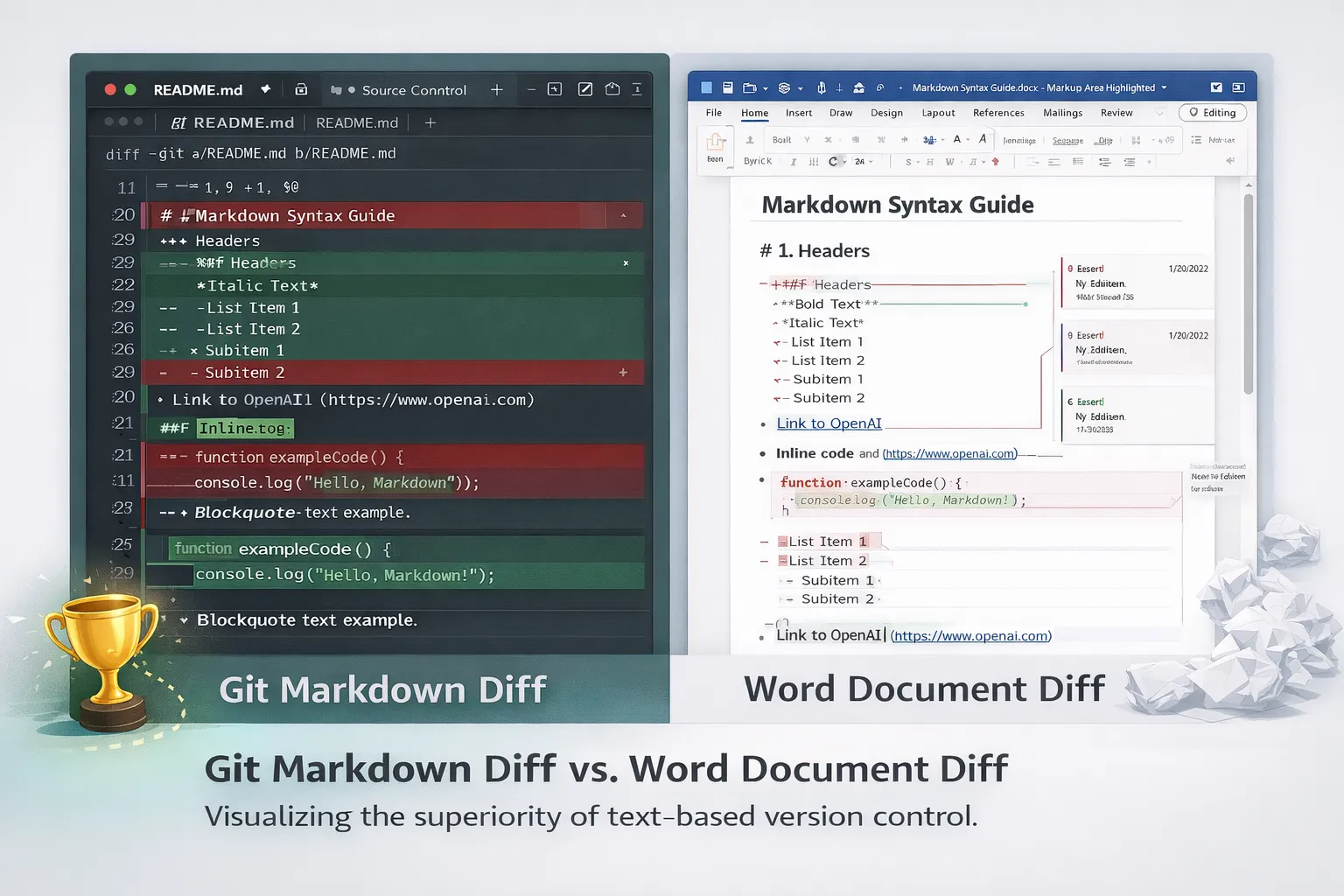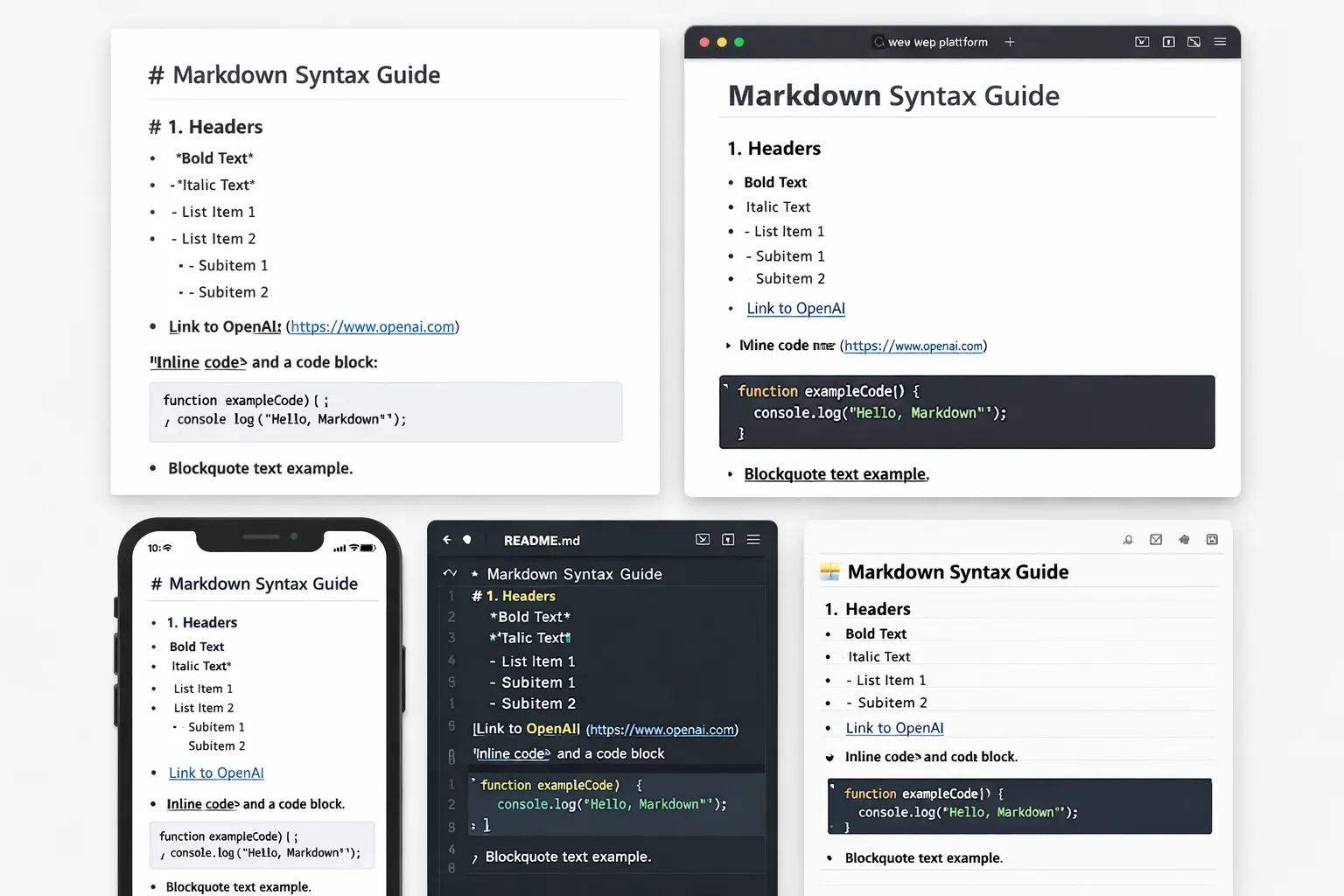
When John Gruber first introduced Markdown on March 19, 2004, he probably didn't imagine it would become the lingua franca of developers worldwide. In the 2025 Stack Overflow Developer Survey, Markdown was voted the most admired documentation format for the third consecutive year. From GitHub READMEs to Notion workspaces, from Obsidian vaults to ChatGPT outputs, Markdown has become the universal language of structured text. This comprehensive 30,000+ character guide covers everything from basic syntax to advanced features you need to master in 2026.
The History and Present: Why Developers Love Markdown 🚀
On March 19, 2004, John Gruber, a prominent Apple community blogger, introduced Markdown to the world through his blog Daring Fireball. He described it as "a text-to-HTML conversion tool for web writers" with a simple philosophy: "The idea is that a Markdown-formatted document should be publishable as-is, as plain text, without looking like it's been marked up with tags or formatting instructions."
2004 - Birth of Markdown
John Gruber releases Markdown 1.0 written in Perl. Aaron Swartz contributes to syntax development.
2008 - Stack Overflow Adoption
The world's largest developer Q&A site adopts Markdown as its default editor, starting mass adoption.
2009 - GitHub Integration
GitHub adopts Markdown for READMEs, issues, and pull requests, cementing it as the developer standard.
2014 - CommonMark Standardization
The CommonMark specification is released to address ambiguities in the original Markdown syntax.
2022 - GitHub Math Support
GitHub officially supports LaTeX math rendering via MathJax, expanding appeal to scientific communities.
2025 - The AI Era
LLMs like ChatGPT and Claude adopt Markdown as their default output format. Stack Overflow survey shows 3rd consecutive year as most admired format.
Admiration rate for Markdown in 2025 Stack Overflow Survey
Notion users worldwide (2024)
Obsidian monthly active users (2025)
The secret to Markdown's popularity lies in its simplicity. Instead of typing <strong>bold</strong> in HTML, you simply type **bold**. Instead of <h1>Title</h1>, you type # Title. As one Hacker News user commented, "It's readable without having to parse it."
"Markdown remains the most admired sync tool for the third year. This is because the workflows are lightweight, portable, and easy to script." – Stack Overflow Developer Survey 2025
Mastering Basic Syntax: From Headings to Tables 📝
Markdown's core philosophy is that readable plain text should convert to readable HTML. This section covers the essential syntax you'll use daily.
1. Headings - Document Structure
Headings correspond to HTML <h1> through <h6> tags, created with hash symbols:
# H1 Heading
## H2 Heading
### H3 Heading
#### H4 Heading
##### H5 Heading
###### H6 Heading
H1 Heading
H2 Heading
H3 Heading
... H4, H5, H6
2. Text Styling
**Bold text** or __Bold text__
*Italic* or _Italic_
***Bold and Italic***
~~Strikethrough~~
`Inline code`
==Highlight== (some extensions)
Bold text
Italic
Bold and Italic
Strikethrough
Inline code
3. Lists
Both ordered and unordered lists are supported with flexible nesting:
1. First item
2. Second item
   1. Nested item A
   2. Nested item B
3. Third item

- Unordered item
- Another item
  - Indent with 2 or 4 spaces
  - Tab also works
- Final item
- First item
- Second item
- Nested item A
- Nested item B
- Third item
- Unordered item
- Another item
- Indent with 2 spaces
4. Links and Images
[Link text](https://example.com) [Link text](URL "Title") <https://auto.link.com>  
5. Blockquotes
> This is a blockquote.
> It can span multiple lines.
>
> > Nested blockquotes work too.
> > For deeper nesting!
This is a blockquote.
It can span multiple lines.Nested blockquotes work too.
6. Code Blocks
The most important element for programming documentation. Use triple backticks with language specification for syntax highlighting:
```python
def hello_world():
    print("Hello, Markdown!")
    return True

# Comments are highlighted too
```
Inline code uses `single backticks`.
7. Tables
Create tables using pipes (|) and hyphens (-):
| Feature | Markdown | HTML |
|---------|----------|------|
| Heading | `# H1` | `<h1>` |
| Bold | `**text**` | `<strong>` |
| Link | `[text](url)` | `<a href>` |
| Image | `` | `<img>` ||:--| for left, |--:| for right, |:--:| for center alignment.
8. Horizontal Rules and Line Breaks
--- (most common)
***
___

Line breaks
need 2 spaces at end + Enter
or use <br> tag
Line breaks
need 2 spaces
GitHub Flavored Markdown: Extended Syntax for Developers 🐙
GitHub uses an extended version called GFM (GitHub Flavored Markdown) that adds essential features for developers.
Task Lists
Essential for issue tracking and PR checklists:
- [x] Completed task
- [ ] Incomplete task
- [x] #refs, @mentions supported
- [ ] !123 PR references too
Autolinks and Mentions
# GitHub automatically recognizes links
https://github.com/username/repo

# User mentions
@username

# Issue/PR references
#123
GH-123
username/repo#123

# Commit SHA autolinks
a5c3785d
Alert Blocks - GitHub Exclusive
Added in 2023, these visually highlight important information:
> [!NOTE]
> Important information for users to know.

> [!TIP]
> Helpful advice or suggestions.

> [!IMPORTANT]
> Critical information users need to know.

> [!WARNING]
> Content that needs caution.

> [!CAUTION]
> Dangerous actions that could cause harm.
Math Support (LaTeX)
In May 2022, GitHub officially added MathJax support for LaTeX math expressions:
# Inline math
$E = mc^2$

# Display math
$$x = {-b \\pm \\sqrt{b^2-4ac} \\over 2a}$$

# Matrices
$$\\begin{pmatrix} a & b \\\\ c & d \\end{pmatrix}$$\\frac{}{} for fractions, \\sqrt{} for square roots, \\sum and \\int for summation and integration.
Mermaid Diagrams
Write diagrams as text and they render as SVG. Officially supported by GitHub since February 2022:
```mermaid
graph TD;
    A[Start] --> B{Condition};
    B -->|Yes| C[Process 1];
    B -->|No| D[Process 2];
    C --> E[End];
    D --> E;
```
Supported diagram types: Flowchart Sequence Class State ER Gantt Pie
Key Takeaway
Your GitHub README.md is your developer resume. Use all GFM features to make your projects stand out. Mermaid diagrams and math expressions can significantly elevate your technical documentation quality.
Advanced Features: Math, Diagrams, and Front Matter 🧮
YAML Front Matter
The standard way to define metadata in static site generators (Jekyll, Hugo, Gatsby) and note apps (Obsidian, Notion):
---
title: "The Ultimate Markdown Guide"
author: "Gardenee"
date: 2026-03-20
categories: ["Technology", "Tutorial"]
tags: ["markdown", "github", "documentation"]
draft: false
featured: true
cover_image: "/images/markdown-guide.webp"
---

# Content starts here...
Definition Lists
Markdown
: A lightweight markup language with readable syntax

HTML
: The standard markup language for web pages

LaTeX
: A document preparation system for high-quality typesetting
- Markdown
- A lightweight markup language with readable syntax
- HTML
- The standard markup language for web pages
Footnotes
Markdown was created in 2004[^1]. GitHub started supporting it in 2009[^2].

[^1]: Date when John Gruber first released it
[^2]: Official announcement from GitHub blog
Embedding HTML
When Markdown's limitations are reached, you can use HTML directly:
<details>
<summary>Click to expand</summary>

This content is collapsed!
- Lists work inside
- **Markdown** is parsed

</details>

<center>Centered text</center>
Platform Comparison and Pro Tips ⚡
| Platform | Characteristics | Unique Features | Use Case |
|---|---|---|---|
| GitHub | GFM Standard | Alert blocks, Mermaid, Math | README, Issues, PRs |
| Notion | WYSIWYG + Markdown | Databases, Embeds | Wiki, Project Management |
| Obsidian | Local file-based | Wiki links [[ ]], Graph view | Personal Knowledge Management |
| Discord | Limited syntax | Spoilers || ||, Color blocks | Community Chat |
| Slack | Partial support | Code blocks, Quotes | Team Communication |
Pro Tips Collection
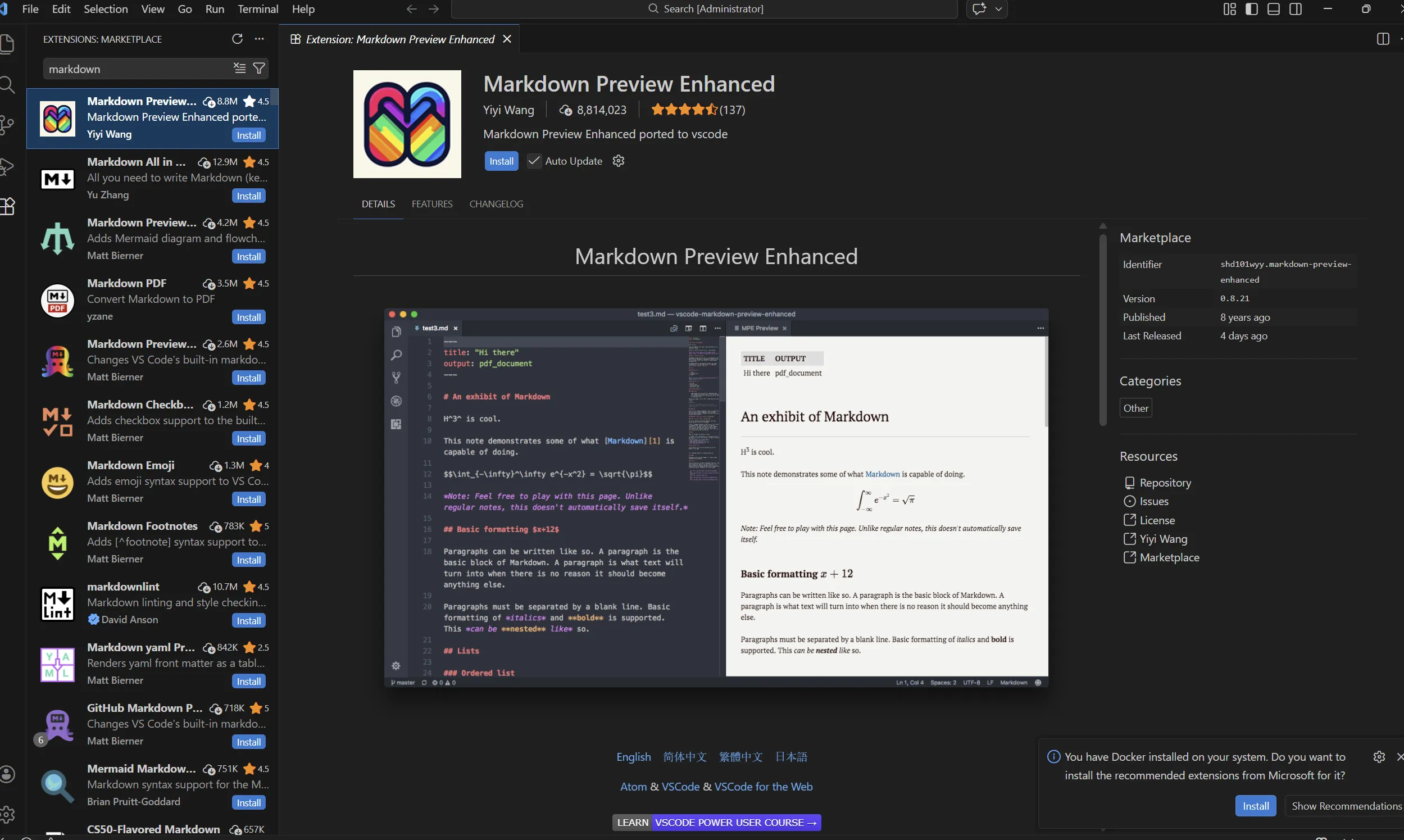
- Use Prettier: VS Code extension for automatic Markdown formatting
- Markdownlint: Automatically check syntax errors and style issues
- Table Generator: Create tables easily at tablesgenerator.com
- Emoji: Windows
Win + ., MacCtrl + Cmd + Space - TOC Generation: Use
Markdown All in Oneextension in VS Code for automatic table of contents
The Future of Markdown and Community Insights 🔮
A Reddit user in r/webdev asked "Why has markdown become so popular?" The responses reveal both strengths and weaknesses:
"Markdown is popular because most developers are too lazy to look for better alternative and follow the hivemind." – Reddit r/webdev
However, other users offered more positive perspectives:
"It's readable without having to parse it. A lot of people do like using it. Writing <i>emphasis</i> is just too distracting compared to *emphasis*." – Hacker News
2026 and Beyond
🤖 AI Integration
All major LLMs use Markdown as their default output format. It has become the standard document format for the AI era.
📱 Mobile Support
iOS/Android apps now include Markdown-based note features as standard. Obsidian mobile downloads increased 75% (2023-2024).
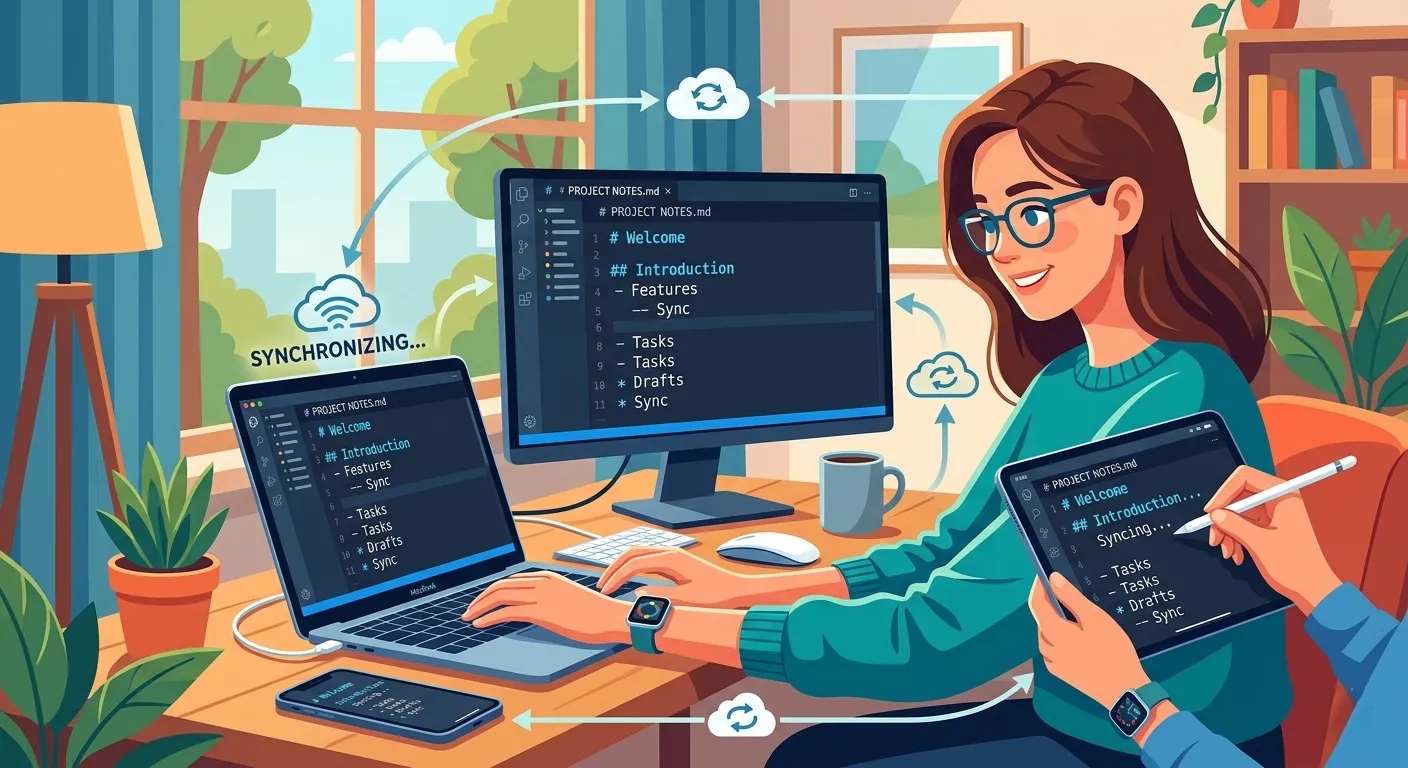
🔄 Real-time Collaboration
Real-time Markdown collaboration in Notion, HackMD, etc. has become standard. Essential for remote work.
📊 Data Visualization
Complex visualizations possible within Markdown using Mermaid, Plotly, elevating technical documentation quality.
According to JetBrains' 2024 State of Developer Ecosystem report, developers still choose Markdown as their most-used documentation format. Notably, 95% of Obsidian users expressed satisfaction with paid features, and 88% reported productivity improvements.
Conclusion: Start Today
Markdown is easy to learn but has depth to master. Type out the examples in this guide, write a GitHub README, and get comfortable with it. For developers in 2026, Markdown isn't optional—it's essential.